Skip to navigation
Skip to main content
Skip to navigation
Skip to main content 
Blog
Cigarette Checkout Checklist: 10 Things to Review Before Paying

Ordering cigarettes online can be convenient, but the final checkout screen is not the place to rush. A small mistake in the product variant, quantity, delivery address, email, or payment amount can delay an otherwise straightforward order.
This Cigarette Checkout Checklist gives legal-age adult customers in Canada a practical ten-point review to complete before paying. It is designed to help you confirm what you selected, understand the total, follow the current payment instructions, and know what to expect after the order is submitted.
Quick answer: Before paying, confirm your legal-age eligibility, product names and variants, quantities, discounts, shipping charge, final total, delivery address, contact information, payment instructions, and post-order tracking expectations.
Tobacco products are addictive and harmful. This guide is intended only for adults who meet the legal purchasing age in their province or territory.
Why a Cigarette Checkout Checklist Matters
Most checkout problems are ordinary data-entry or selection errors. A customer may choose the wrong strength, add a carton twice, enter an incomplete unit number, send a payment with the wrong amount, or overlook an email address typo. These errors are easier to prevent before payment than to correct after processing begins.
A careful cigarette order review also helps you distinguish between the product subtotal and the amount actually due. Shipping charges, discounts, minimum-order rules, and free-shipping thresholds can affect the final total.
The checkout page—not an old promotion, screenshot, saved email, or previous order—should be treated as the current source of truth.
For product questions, shipping explanations, and general order guidance, review the 1Smokes FAQs before placing your order.
Cigarette Checkout Checklist: The 10-Point Review
1. Confirm That You Meet the Legal-Age Requirement
Online tobacco orders are restricted to legal-age adults. Before proceeding, confirm that you meet the tobacco purchasing age that applies where you live and that you can complete any required age-verification step.
Canada has a federal minimum age for tobacco sales, while some provinces and territories set a higher minimum. Requirements can vary by location, so do not assume the rule is identical across the country. Health Canada’s tobacco and vaping product regulations are a useful starting point, but customers should also check the rules that apply in their province or territory.
Use accurate personal information during checkout. An order may be delayed or declined when age, identity, billing, or delivery details cannot be verified.
2. Review Every Product Name and Brand
Read each product line in your shopping cart from top to bottom. Do not rely only on the product image because similar packaging or names may represent different products.
Confirm the following:
- Brand name
- Product line
- Pack or carton format
- Size, where applicable
- Selected variant
- Number of units
This step is especially important for customers comparing several Canadian cigarette brands or building a mixed order. A cart with multiple brands provides flexibility, but it also creates more opportunities to overlook one incorrect selection.
When a product title is unclear, return to the product page and read the description before paying. Do not guess based on colour, naming conventions, or a previous version of the packaging.
3. Check the Strength, Style, and Other Variants
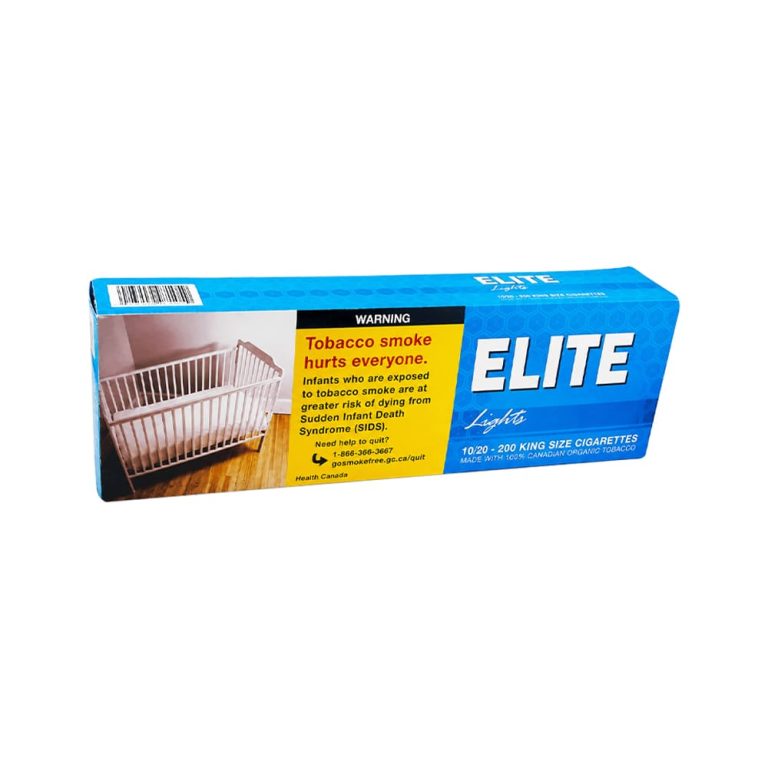
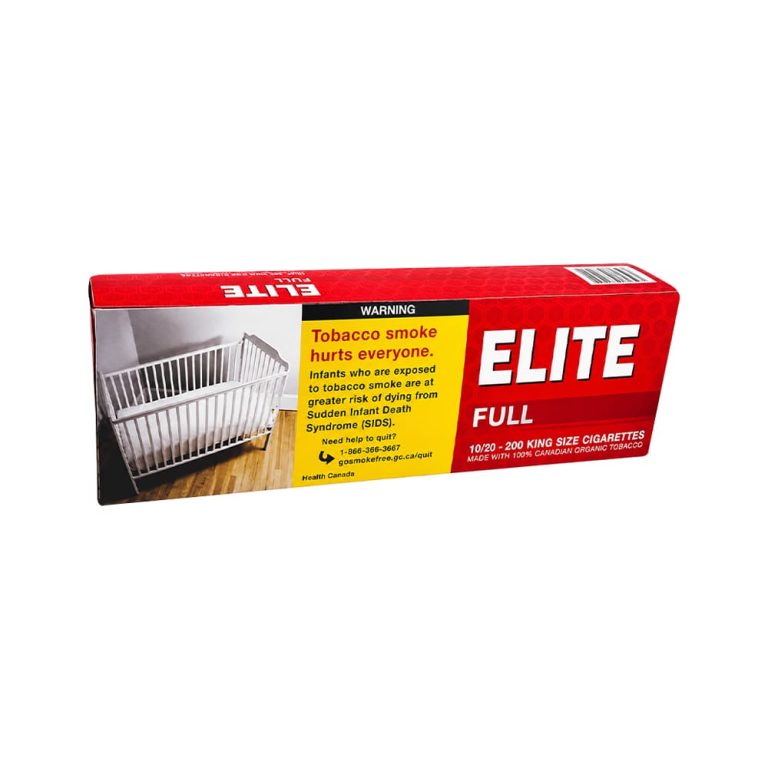
A correct brand with the wrong variant is still the wrong order. Review options such as full flavour, light, menthol, king size, regular size, pack, carton, or any other choice displayed on the product page.
Product terminology is not always standardized across brands. Two products may use different words for broadly similar positioning, while similar-sounding names may refer to distinct variants. The safest approach is to verify the exact option shown in the cart against the product page.
Customers exploring new brands should avoid assuming that one brand’s “light” or “full” product will match another brand exactly. Descriptions can help with identification, but they do not guarantee an identical taste, strength, or experience.
For broader ordering guidance, see Buy Cigarettes Online in Canada.
4. Verify the Quantity and Package Format
Quantity errors can significantly change the order total. Check whether the number beside an item refers to individual packs, cartons, bundles, or another package format.
Ask yourself:
- Did I intend to buy one unit or several?
- Is this listing for a pack or a carton?
- Did I increase the quantity while comparing prices?
- Is the same item listed twice?
- Does the bulk discount require a particular quantity?
Value-focused customers often compare the unit price at different quantities. That can be useful, but a lower per-unit price should not distract from the total amount being purchased. Confirm that the final quantity is appropriate before using a bulk discount.
When you need to revise the order, return to the cart, update the quantity, and wait for the totals to refresh before continuing.
5. Confirm Discounts, Coupons, and Bulk Pricing
A discount should appear in the order summary before payment. Entering a code does not necessarily mean it was accepted.
Check whether the checkout shows:
- The coupon or promotion name
- The discount amount
- Any minimum purchase requirement
- Excluded products or sale items
- A first-order or account restriction
- A revised subtotal or total
Promotions can change, expire, or have conditions. Avoid calculating your expected total from an old advertisement. The amount displayed after the cart recalculates is the amount you should review.
For bulk orders, compare the final price rather than focusing only on the advertised percentage. Also check whether increasing the order to reach a discount or free-shipping threshold produces a meaningful net saving.
Adding products you did not plan to buy can erase the value of a promotion.
6. Review Shipping Charges and Delivery Expectations
Before paying, identify the shipping charge, shipping method, and any threshold for free delivery. Check the current 1Smokes cart and checkout messaging for the latest requirement because thresholds and promotions may change.
Remember that processing time and transit time are different:
- Processing time covers payment confirmation, order review, picking, and packing.
- Transit time begins after the courier accepts and scans the parcel.
A delivery estimate is not an absolute guarantee. Weather, holidays, remote destinations, verification issues, courier disruptions, and an incorrect address can affect timing.
Plan accordingly, particularly when ordering from a rural or remote location. Do not place an order that depends on arrival on one exact day unless that delivery service is explicitly offered and confirmed.
Review the 1Smokes FAQs for the latest delivery and tracking expectations.
7. Enter the Delivery Address Exactly
Address accuracy is one of the most important items on this cigarette checkout checklist. A missing apartment number, incorrect postal code, old saved address, or spelling error can cause delays, returns, or misdelivery.
Confirm every field:
- Full recipient name
- Street number and street name
- Apartment, suite, or unit number
- City
- Province or territory
- Postal code
- Phone number, when requested
Use an address where an eligible adult can receive the order and complete any delivery or age-verification requirement. Avoid adding informal directions to the address field unless the checkout specifically provides a delivery-notes box.
Autofill is convenient but not always reliable. Browsers may insert an old address or combine details from two saved profiles.
Read the completed address as one full mailing label before continuing to the checkout page.
8. Check Your Email Address and Phone Number
Order confirmations, payment instructions, status changes, and tracking details are commonly sent by email. A single typo can prevent you from receiving the information needed to complete or monitor the order.
Before paying, confirm that:
- The email address is spelled correctly
- You can access the inbox
- Your mailbox is not full
- The phone number is current
- The country code and area code are correct, where required
After submitting an order, check the spam, junk, promotions, and updates folders if the confirmation does not appear in your main inbox.
Keep the order number and use the same email address when contacting customer support. This helps the support team locate the correct transaction.
Avoid using an email account you rarely check, particularly when the order requires a separate payment step.
9. Follow the Current Payment Instructions Exactly
Use only the payment option and instructions displayed during the current checkout process or in the order confirmation sent by the store.
Payment methods can change, so do not rely on a previous order, an old screenshot, or instructions forwarded by another person.
For an Interac e-Transfer order, verify:
- The recipient information
- The exact amount
- Any order number or reference requested
- The security question and answer, if applicable
- The payment deadline
- The confirmation status in your banking app
Never send more or less than the confirmed total unless customer support has provided updated written instructions. A mismatched amount can slow down manual payment matching.
Before sending payment, confirm that you are communicating through the official 1Smokes website or an official order email. Be cautious with unexpected messages asking you to use different payment details.
When something does not match the checkout instructions, stop and contact support through the site rather than replying to a suspicious message.
10. Review the Final Total and Post-Order Steps
The last step is a complete final-total review. Compare the amount due with the individual components shown in the order summary.
Your review should include:
- Product subtotal
- Discount
- Shipping fee
- Taxes or other displayed charges
- Final total
- Payment amount
- Order number after submission
Take a screenshot or save the confirmation page for your records. Keep the payment confirmation until the order is marked paid and processing.
After payment, allow time for the store to confirm the transaction, prepare the order, and create the shipping label.
A tracking number may not show movement immediately. Courier tracking normally begins after the parcel receives its first scan, not when the label is generated.
If the order status does not update within the timeframe stated in the FAQs, contact support with your order number and payment confirmation. Do not submit a duplicate order simply because the first confirmation is delayed.
A One-Minute Checkout Review
Before selecting the final payment or order button, pause and read this condensed checklist:
- I meet the legal-age requirement where I live.
- Every brand and product name is correct.
- Each strength, style, and size is correct.
- Pack, carton, and quantity selections are correct.
- Discounts and coupons appear in the total.
- Shipping cost and delivery expectations are clear.
- The full delivery address is accurate.
- My email and phone number are correct.
- I understand the current payment instructions.
- The final amount matches what I intend to pay.
This one-minute review can prevent several days of avoidable order corrections.
Common Checkout Mistakes to Avoid
Paying Before the Cart Recalculates
After changing a quantity or entering a coupon, wait for the cart and checkout totals to update. Paying an amount from the previous screen can create a payment mismatch.
Assuming Free Shipping Was Applied
Reaching a stated threshold does not always mean the shipping method has been selected automatically. Confirm that the shipping line actually shows the expected amount before paying.
Using an Old e-Transfer Recipient
Payment details can change. Always use the current instructions generated for the current order.
Leaving Out the Unit Number
Apartment and suite numbers are essential delivery details. Add them in the proper address field rather than only in order notes.
Ordering the Right Brand in the Wrong Format
A product may be available as a pack, carton, or bulk option. Confirm the format and quantity together.
Creating a Duplicate Order
A delayed email does not necessarily mean the first order failed. Check spam folders and your account history before submitting a second order.
What Happens After You Pay?
The precise workflow depends on the payment and shipping methods shown at checkout, but a typical order moves through several stages:
- Order received: The website records the product and customer details.
- Payment pending or received: The payment is matched with the order.
- Processing: The order is reviewed, picked, and packed.
- Shipment created: A courier label and tracking number are generated.
- In transit: The courier scans and transports the parcel.
- Delivered: The parcel reaches the address, subject to delivery requirements.
Tracking may remain unchanged between label creation and the first courier scan. This is normal in many shipping systems.
Use the order number when requesting an update and allow the processing period stated by the store before contacting support.
Frequently Asked Questions
What Is the Most Important Thing to Check Before Paying?
The most important review is whether the product details, delivery address, and final payment amount are all correct. Those three areas account for many preventable checkout issues.
Can I Change a Cigarette Order After Payment?
Changes may be possible only before the order enters processing or shipping. Contact customer support immediately with the order number, but do not assume a change can be guaranteed.
Why Has My e-Transfer Not Been Confirmed Immediately?
Interac e-Transfers may require bank processing and manual order matching. Confirm that the recipient, amount, and order reference are correct, then follow the waiting period stated in the store’s FAQs.
When Should I Receive Tracking Information?
Tracking is generally issued after payment confirmation and shipment preparation. The number may not become active until the courier scans the parcel.
Should I Save My Checkout Confirmation?
Yes. Save the order number, order summary, payment confirmation, and any support correspondence until the parcel is received and checked.
Final Check Before You Pay
A smooth online order starts with accurate information. The best time to correct a product, quantity, address, or payment detail is before the order is submitted.
Use this Cigarette Checkout Checklist every time you place an order, even when you have purchased before. Product options, promotions, payment methods, and shipping conditions can change.
A consistent review protects your time, reduces avoidable support requests, and makes the checkout process easier to follow.
Legal-age adults can begin by browsing the 1Smokes shop, review selected items in the cart, and use the checkout only after completing all ten checks.
Related Articles
Nicotine Pouch Strengths Explained: 6mg to 15mg on One Shelf
What the mg number on a nicotine pouch lid actually measures, how 6mg, 9mg, 12mg and 15mg cans compare, and how to swap strengths when your usual can is out of stock.

Can You Buy Menthol Cigarettes in Canada? Why the Answer Gets Confusing
If you’re asking can you buy menthol cigarettes in Canada, a one-word answer won’t do the job. Federal law restricts

Canadian Classic Silver Pack vs Carton Canada: Buyer Decision Guide
If you’re comparing Canadian Classic Silver pack vs carton Canada options, the practical choice comes down to how much you